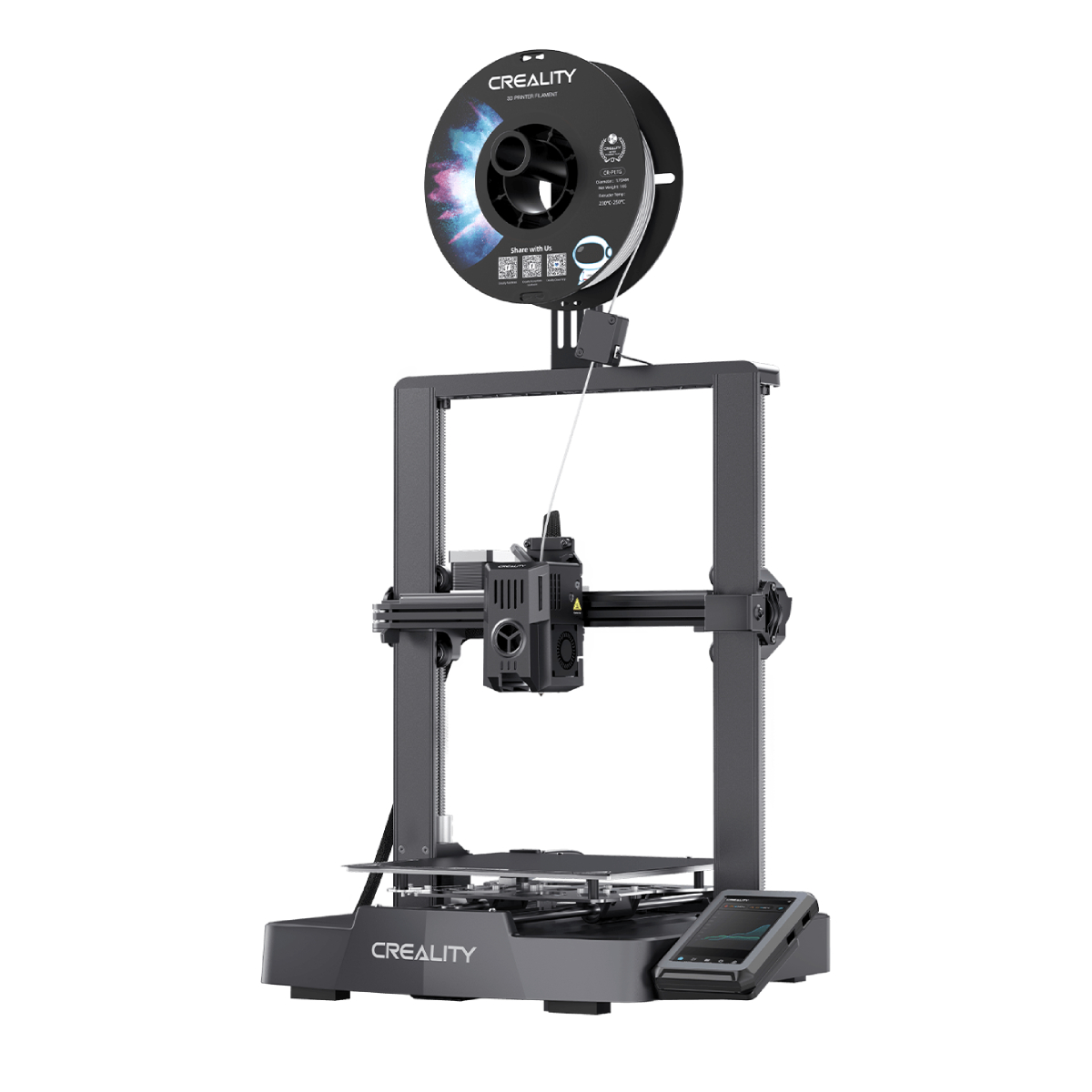
Technical Specifications
Printing technology
FDM (Fused Deposition Modeling)
Max. Printing Speed
600 mm/s
Max. Acceleration
20000 mm/s²
Printing Accuracy
±0.1 mm
Layer Height
0.1-0.35 mm
Filament Diameter
1.75 mm
Nozzle Diameter
0.4 mm (default)
Nozzle Temperature
≤300℃
Heatbed Temperature
≤100℃
File Transfer
Wi-Fi (2.4G) / USB Drive / Creality 485 Port
Display Screen
4" color touch screen
Formats for Slicing
STL, OBJ, 3MF, AMF
Supported Filaments
PLA/PETG/PET/ABS/PLA-CF
General Specifications
Printable File Format
G-code
Power Loss Recovery
Yes
Filament Runout Sensor
Yes
Chamber Camera
1 × 720P @30fps
Leveling Mode
Smart Auto Leveling
Alarm Sounds
Yes
Storage
8GB EMMC
CFS Unit (Creality Filament System)
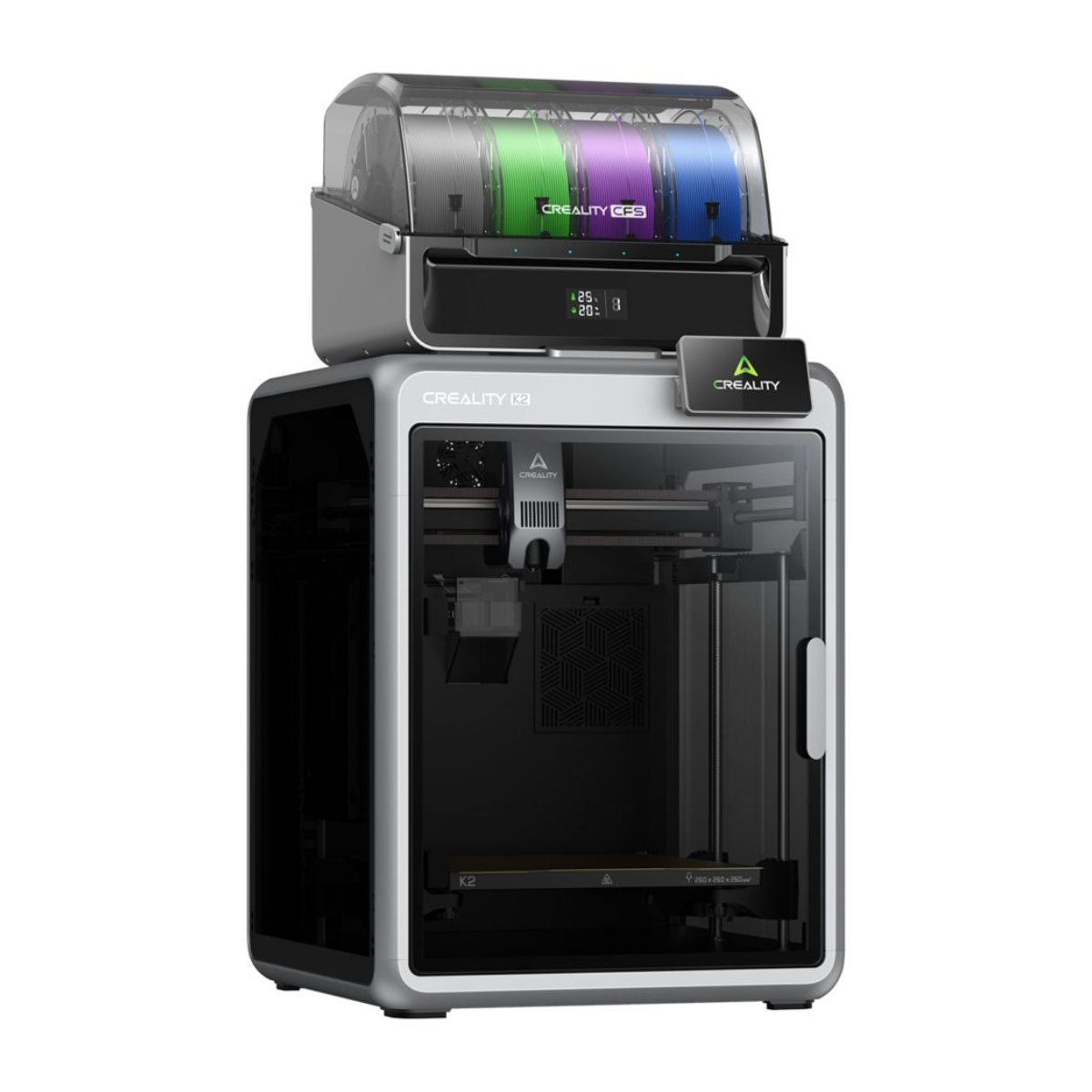
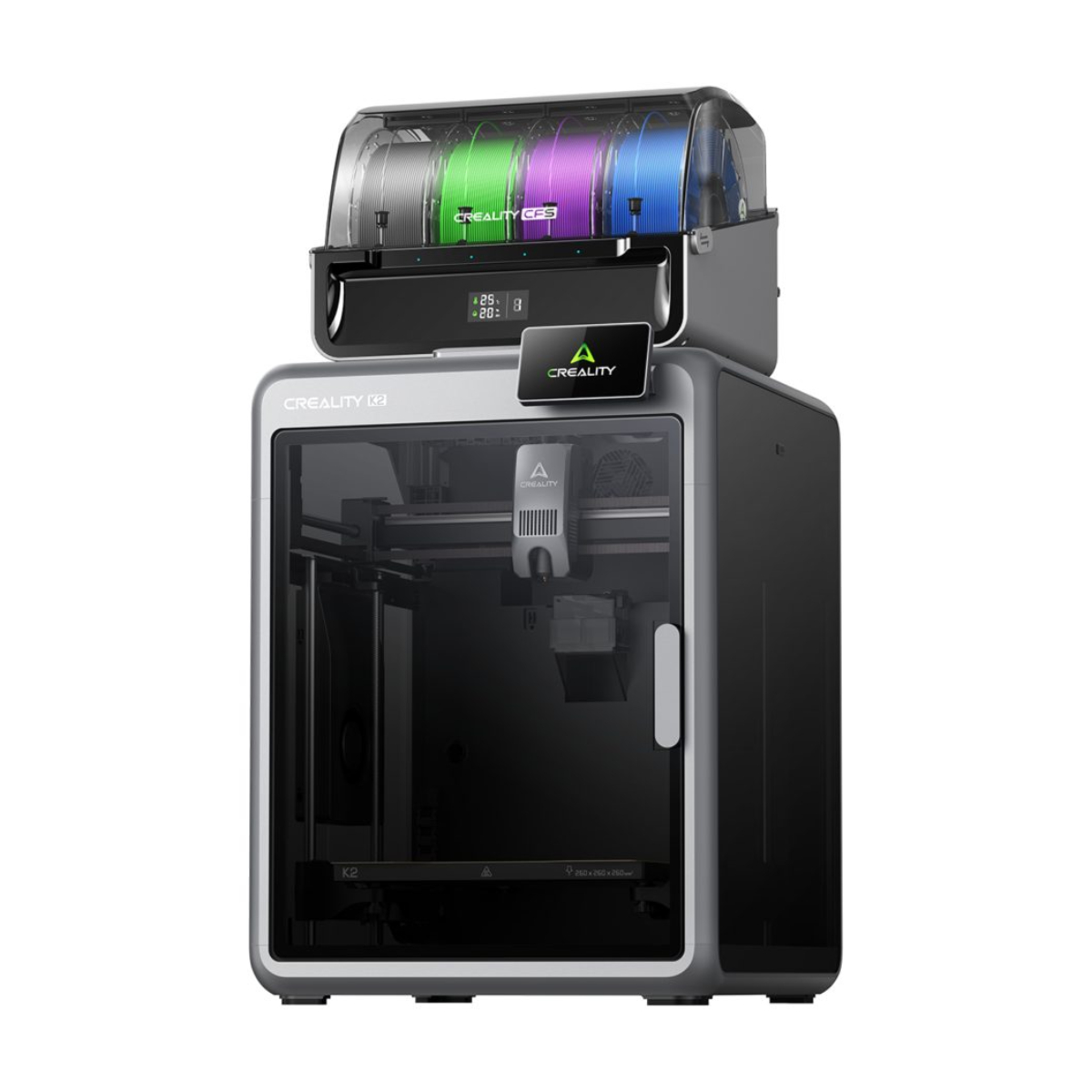
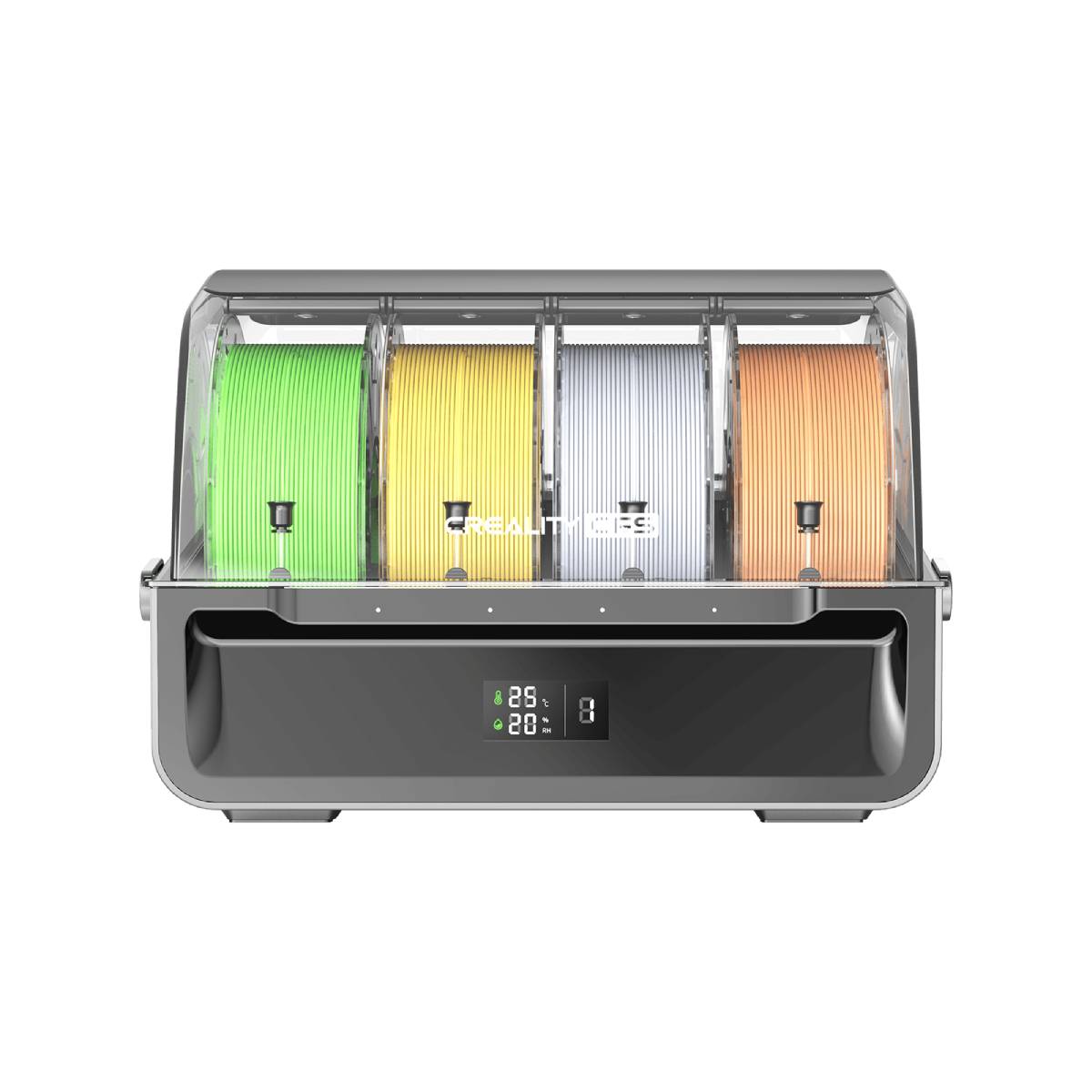
Included, print up to 4 different colors at the same time
Air Filter
Yes
Auxiliary Cooling Fan
1
Step-Servo Motors
X/Y Axes and Extruder
Next-Gen Multicolor Experience
From auto filament identification and multicolor slicing, to smart filament management like auto feeding, hardware and software are seamlessly integrated to deliver a next generation multicolor printing experience
Ultra sturdy build
Top frame parts are die-cast from tough aerospace-grade aluminum alloy
Revolution in the motion system
3 step servo motors located in the extruder and on the X/Y axis work together to take extrusion consistency and printing accuracy to the next level
Print failure detection
Detect printing failures, such as spaghetti, and notify users to take action
Smart auto leveling
Faster leveling of only the target print area
Incredibly Quiet, While Printing Fast
Annoyed by the noise? Not K2. Thanks to thanks to the step-servo motors and dynamically balanced fans, it runs as quietly as typing on a laptop
Next-Gen Direct Drive Extruder
Accurate filament In/Out with the built-in run-out sensor and automated magnetic cutter
Auxiliary Fan Set Style Right Off
The auxiliary cooling fan on the side of the chamber direct airflow onto the extruded filament, enhancing interlayer adhesion
Print Out-of-the-Box
All K2 models can be set up for printing after unpacking and installing the touchscreen. Users can then follow the boot-up quick guide for auto-calibrations such as leveling and fan calibration